If you want to review the reading rules of a letter, first, you need to make sure you have learned all the rules from at least one letter.
Then, you have to:
1. Go to the "Tools" tab.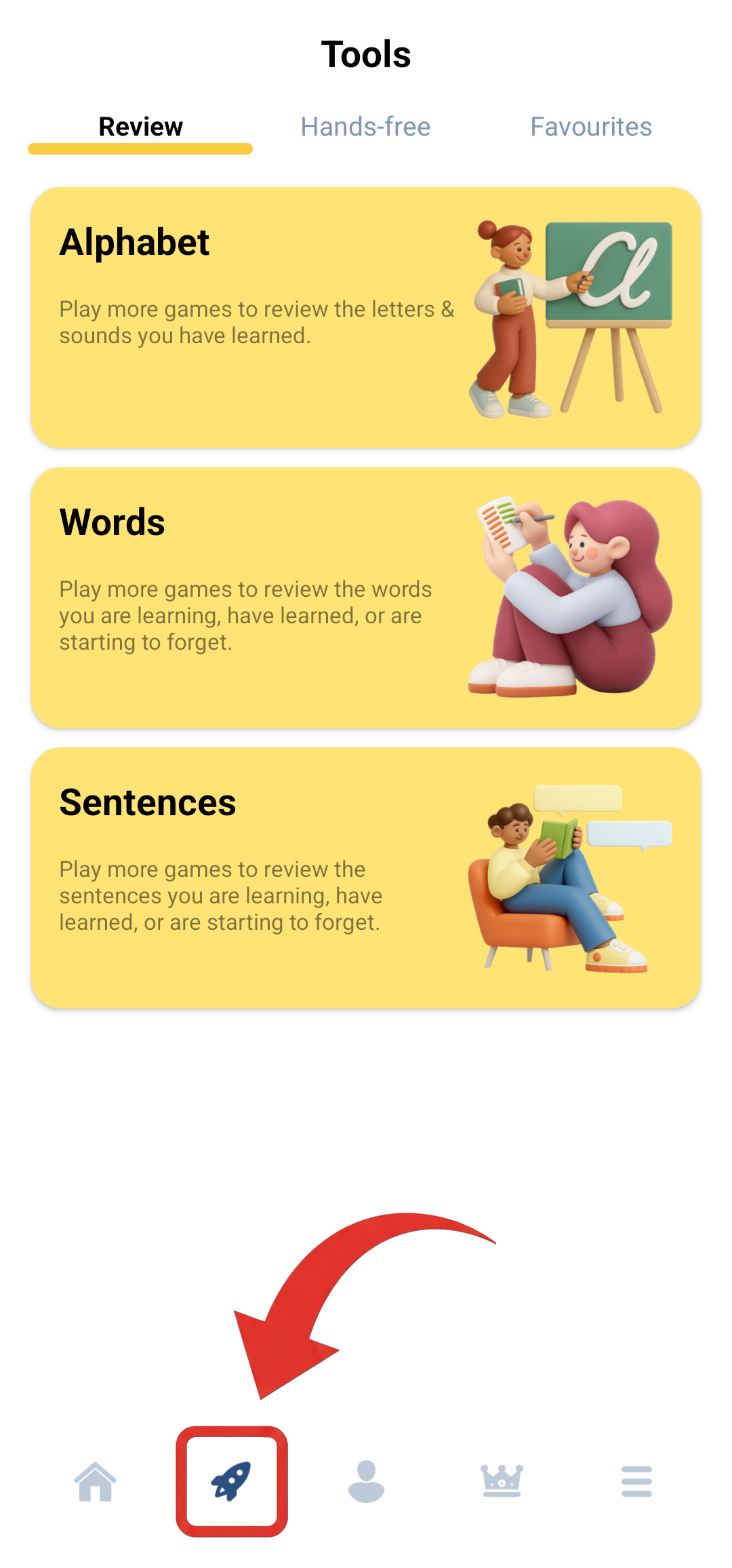
2. Tap on "Review".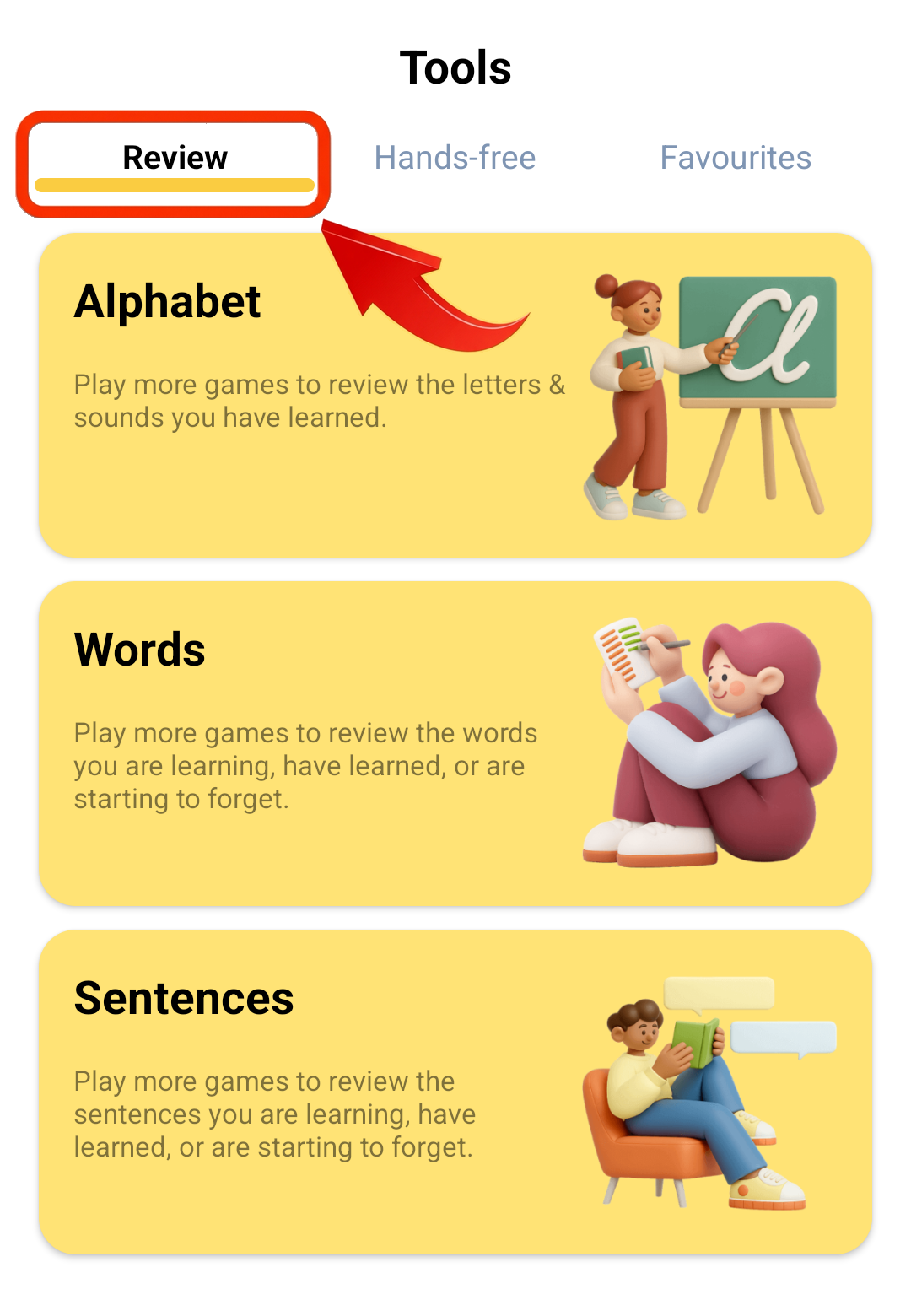
3. Tap the "Alphabet" button.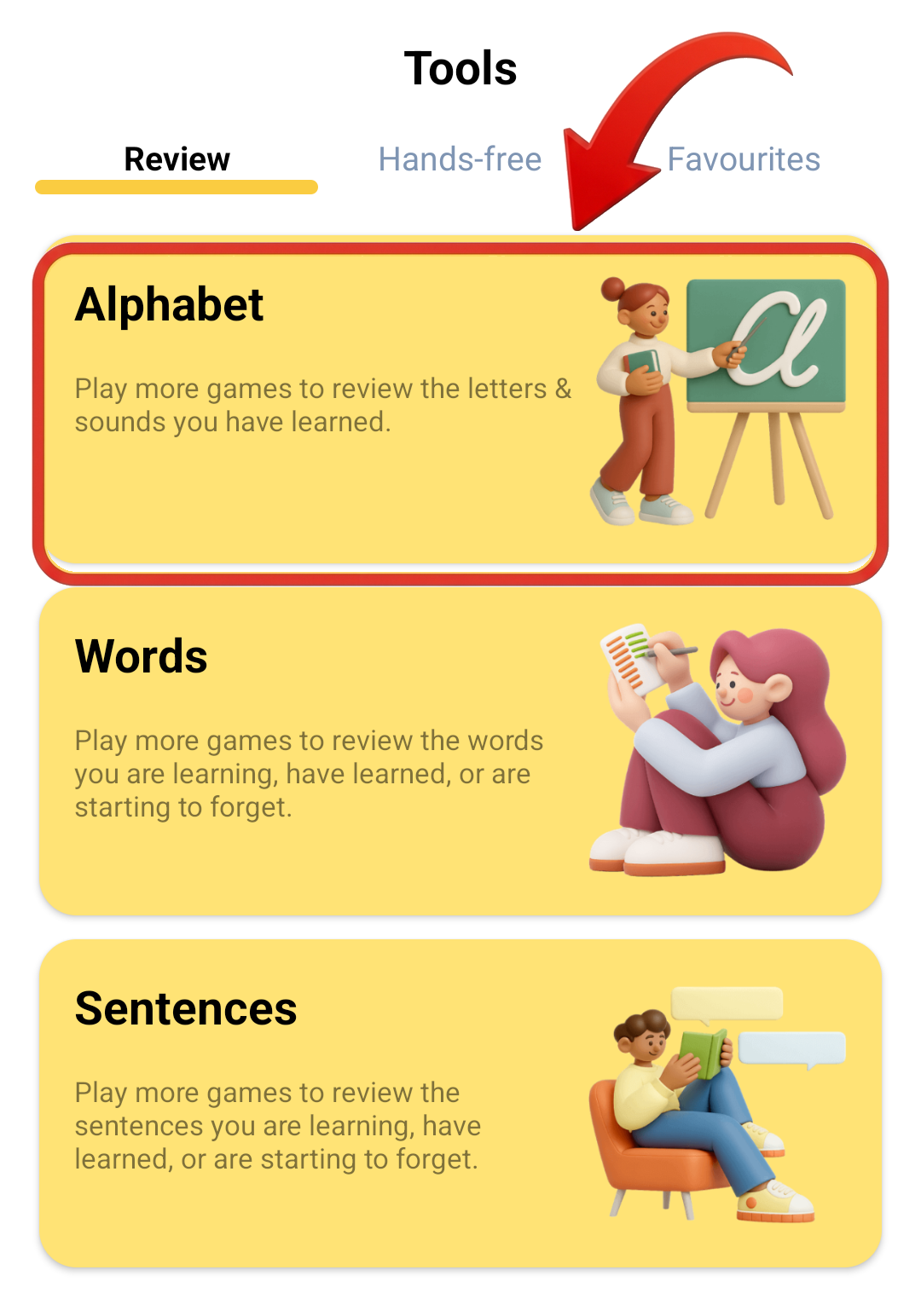
4. Tap the "Reading rules" button. 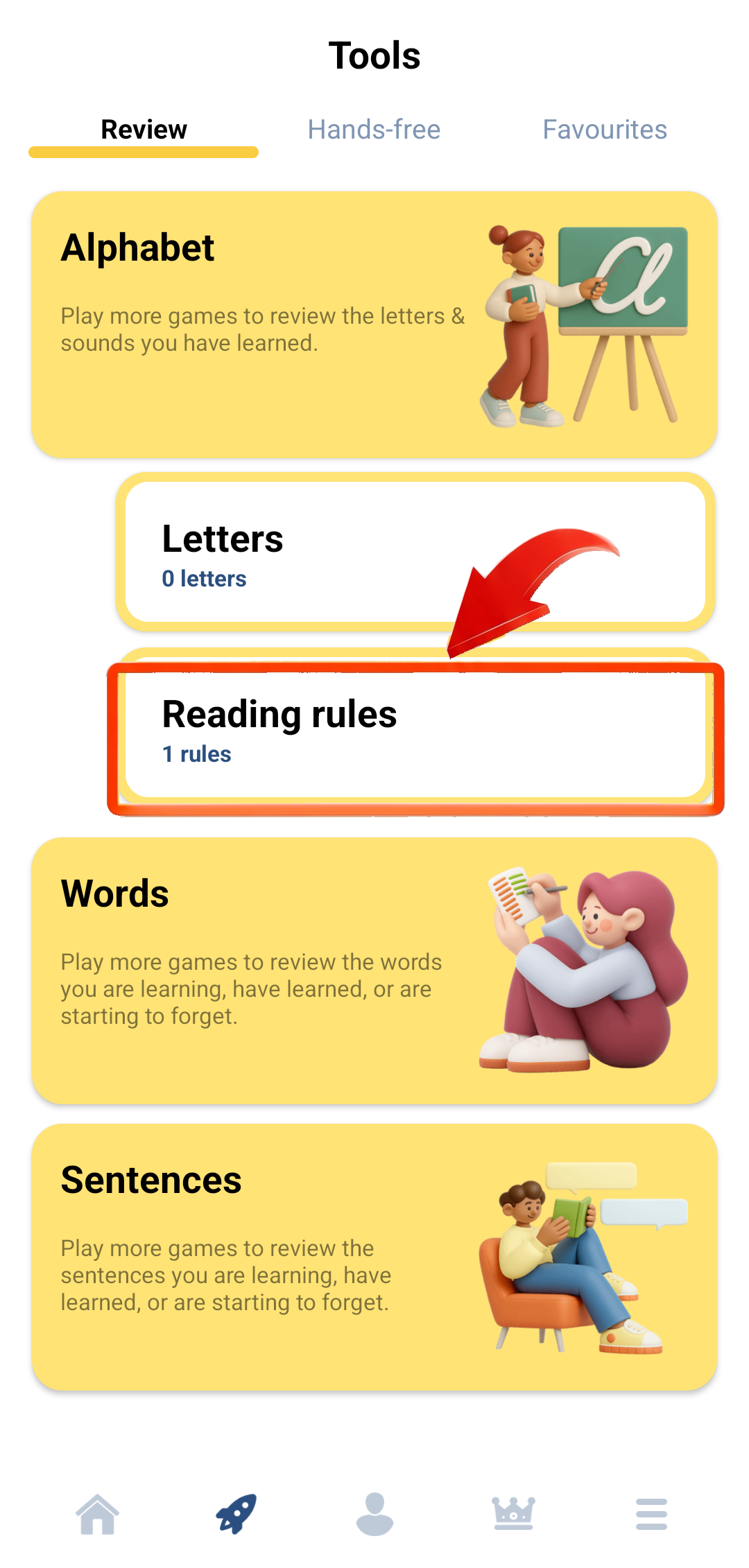
5. Choose the letters, the reading rules of which you want to review. 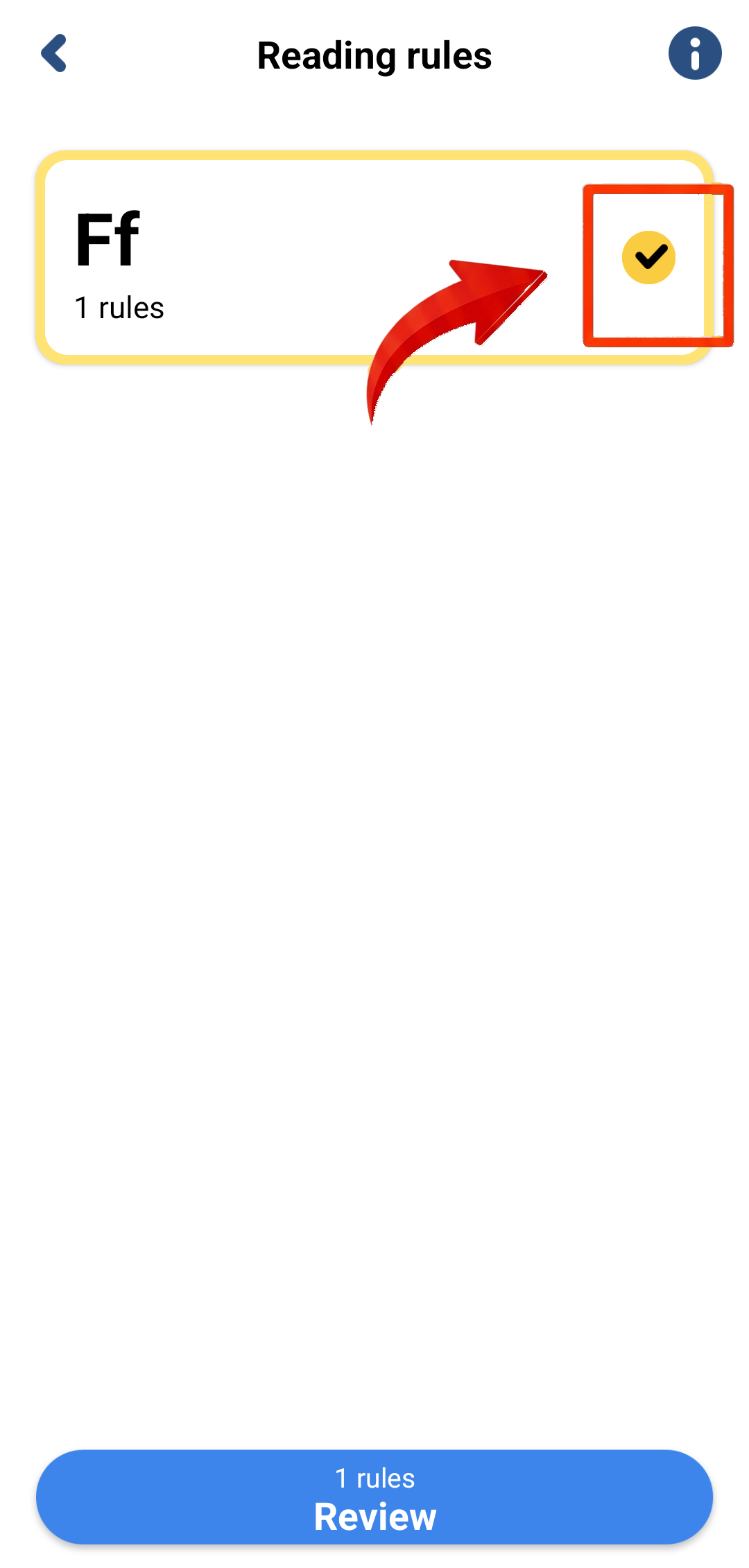
6. Tap on the "Review" button. 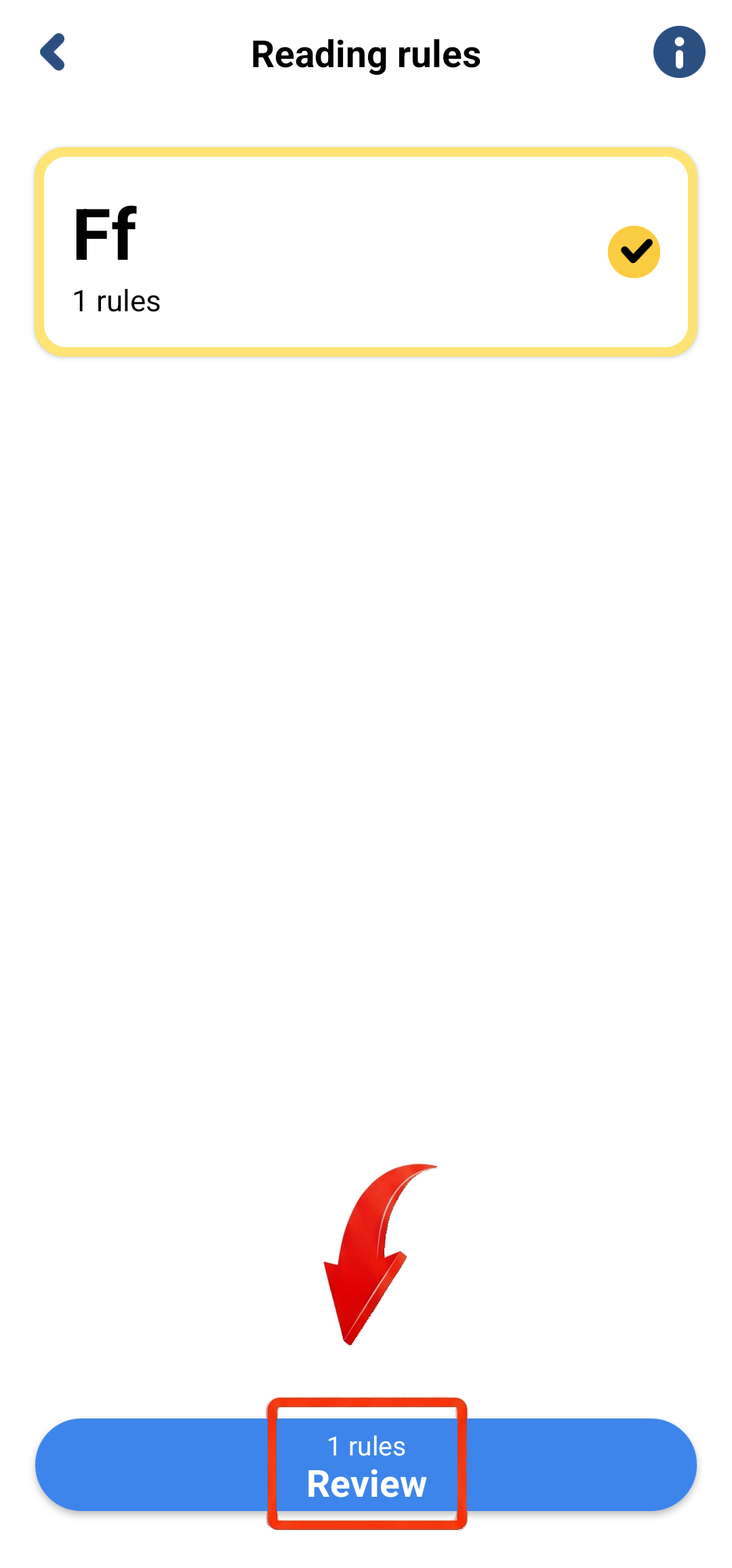
Note: Some review options require a subscription. The Review Manager is available only on Android devices.
What is a Review?
How do I review what I have learned?
How do I review the alphabet I have learned?