If you want to see your learning streak, open the "Learn" tab and tap the flame-shaped streak counter at the top of the screen.
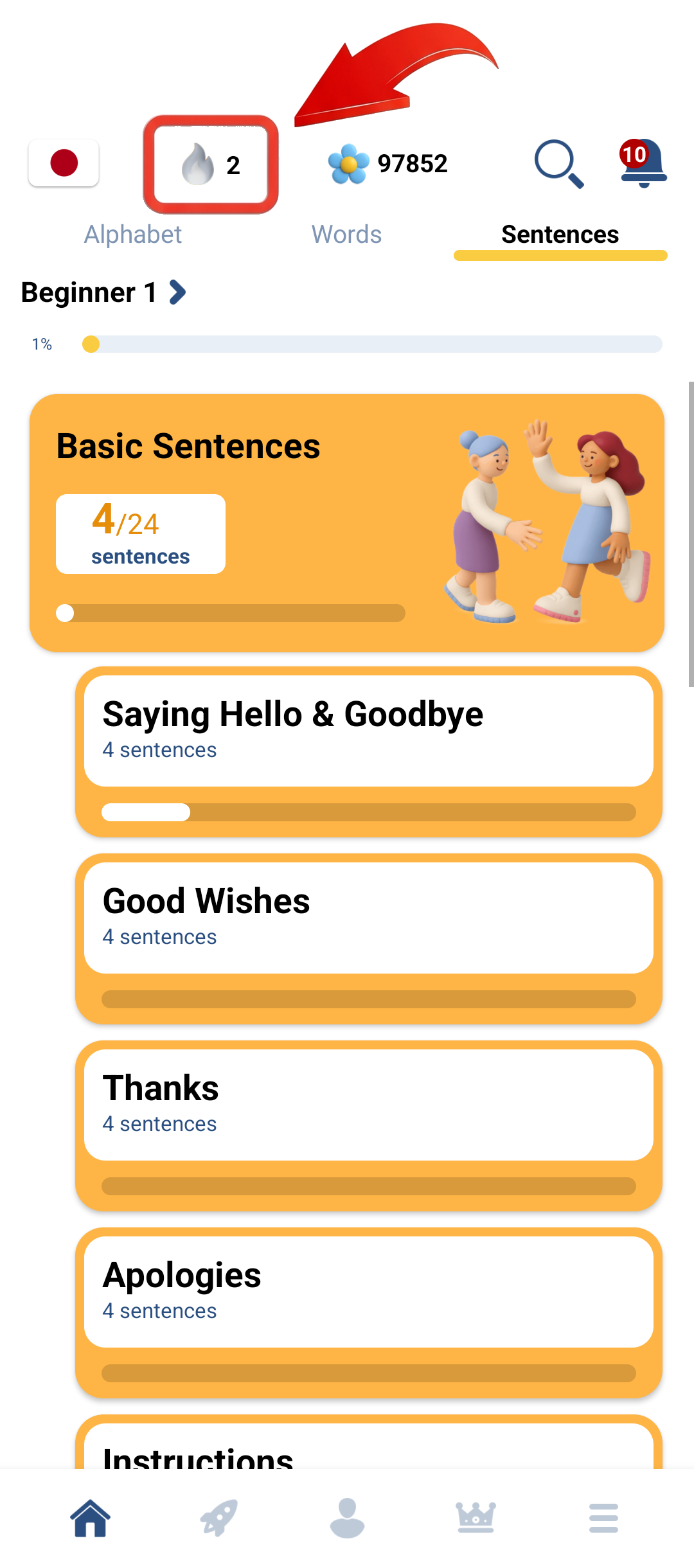
Your Streak tracks consecutive learning days across all courses. The screen shows:
1. Current streak — counts the learning days in your ongoing streak.
2. Streak calendar — shows the days you have learned each month.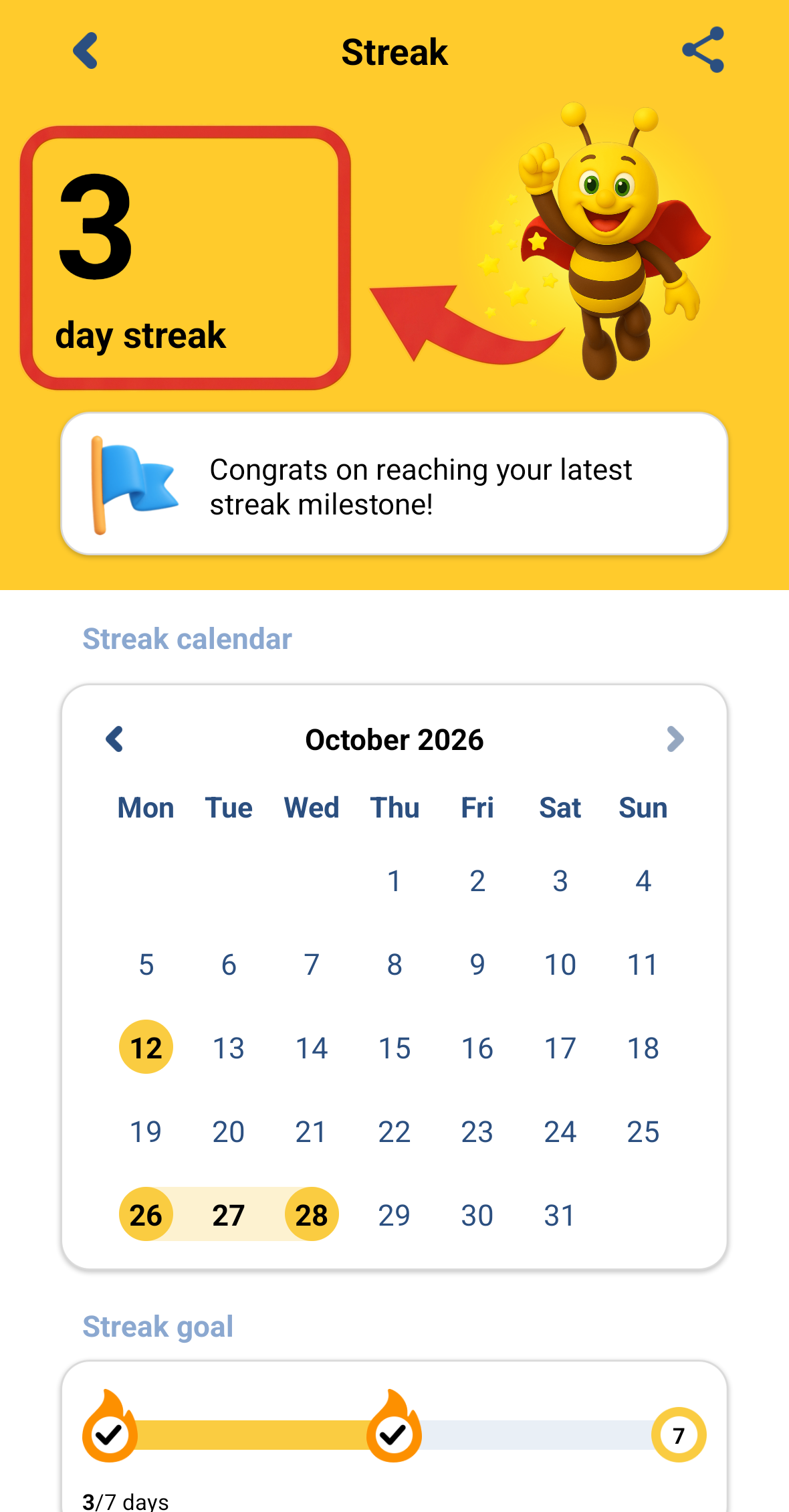
Note: Your learning Streak can be synchronized between Android devices, iOS devices, and each other.
How can I maintain my Streak?