If you want to add a new group to your list of Favourites, you have to:
1. Go to the "Tools" tab.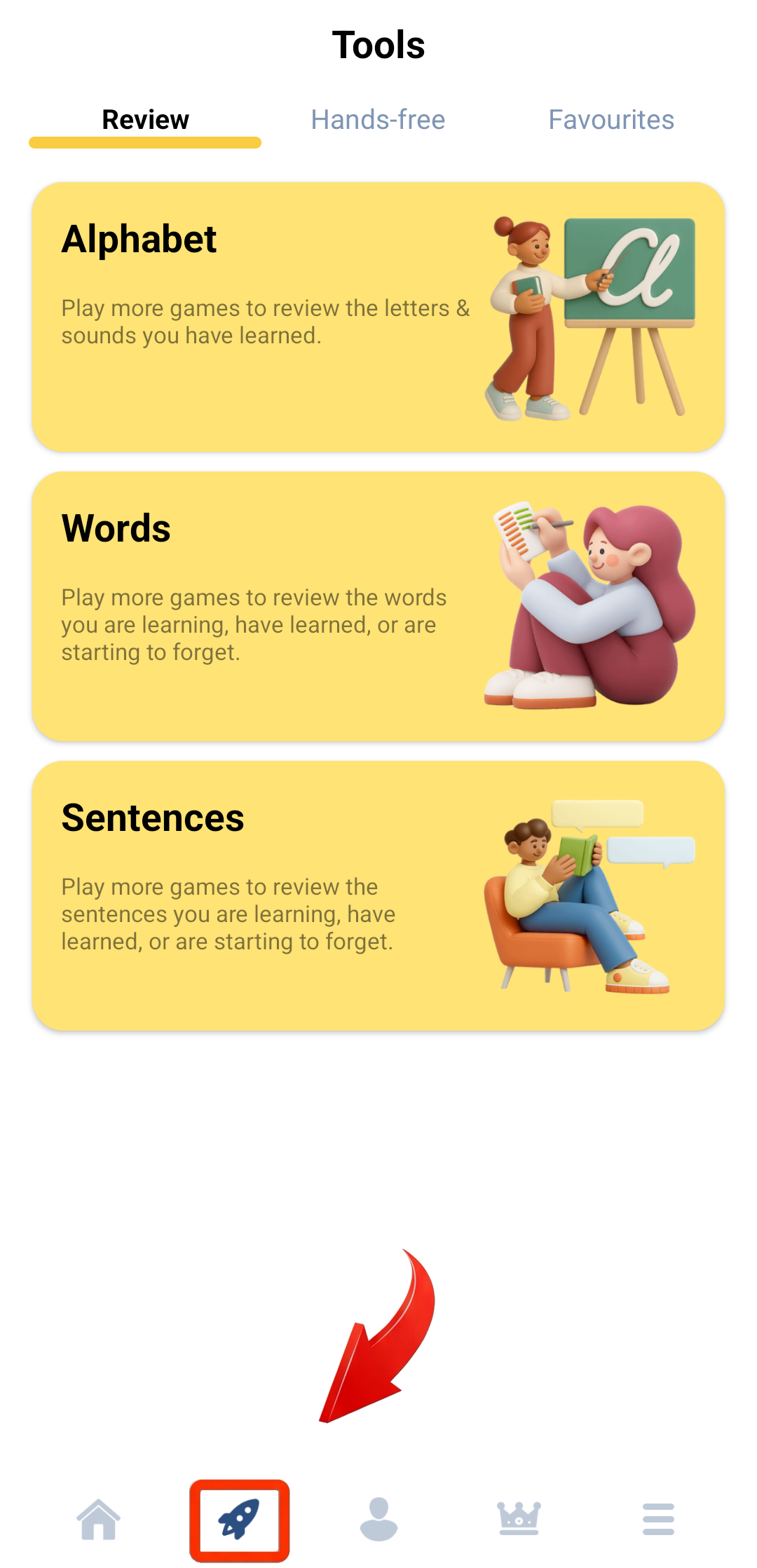
2. Tap on "Favourites".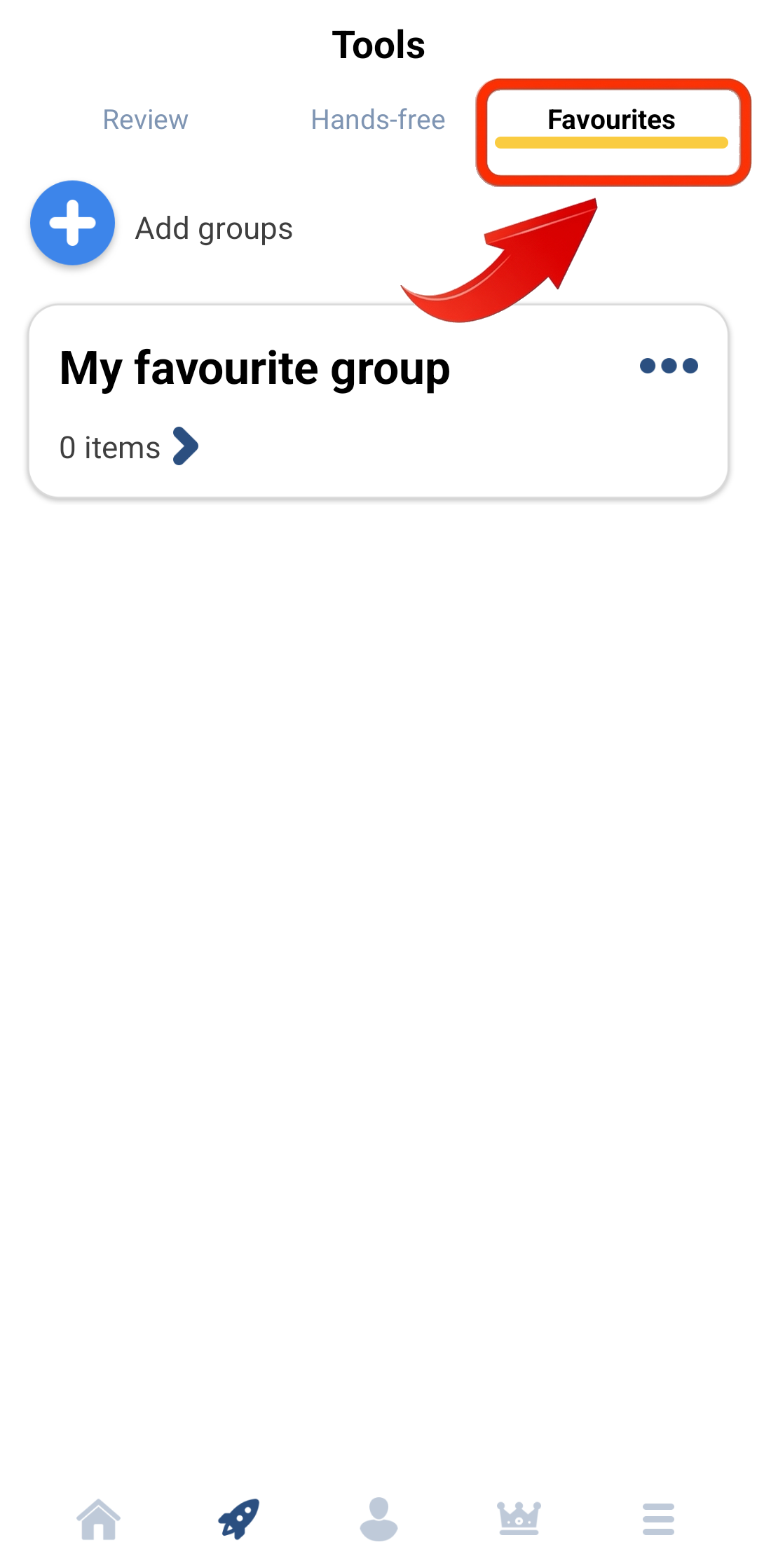
3. Tap the "Add groups" button.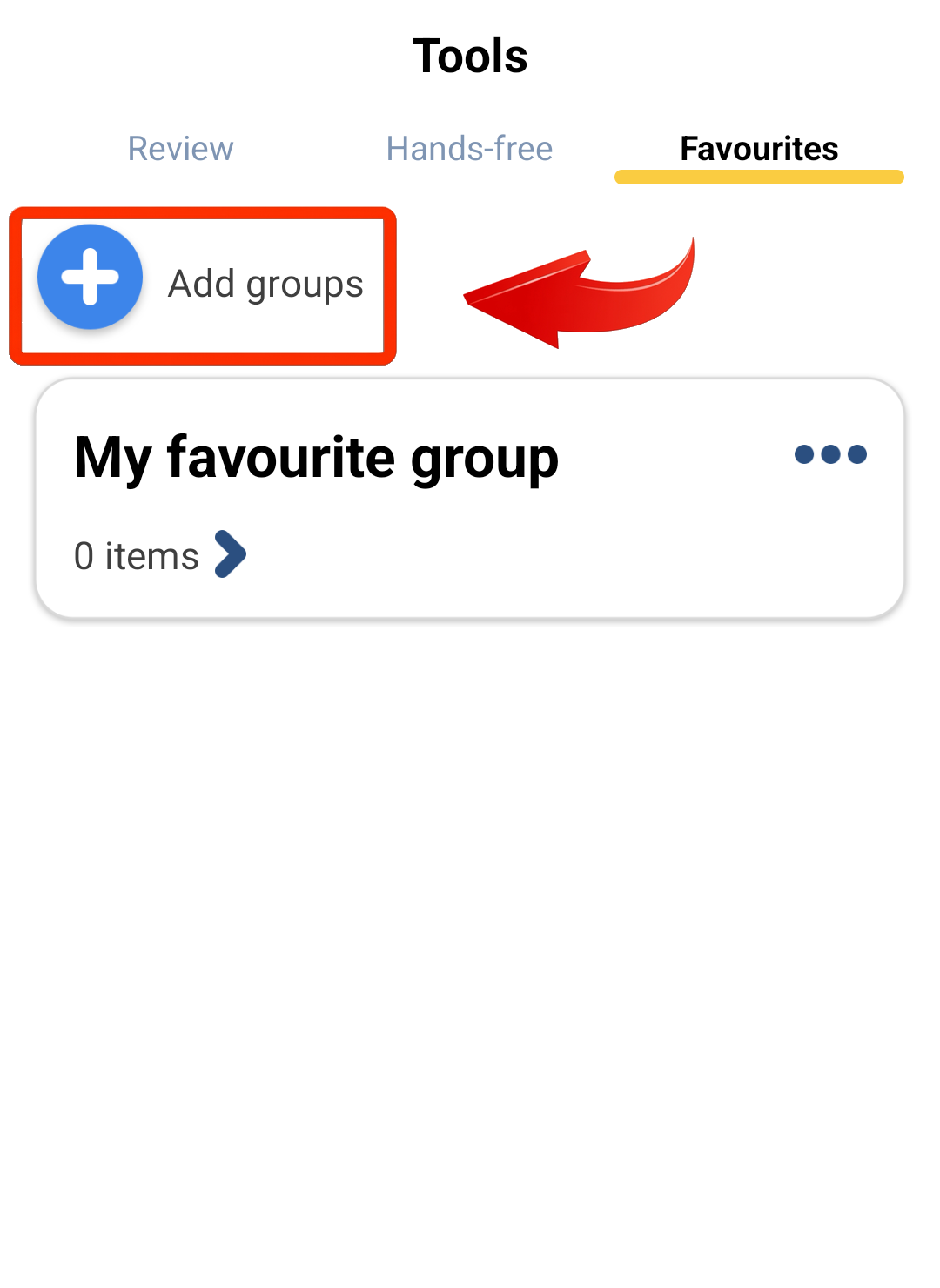
4. Enter the title of the group you want to add.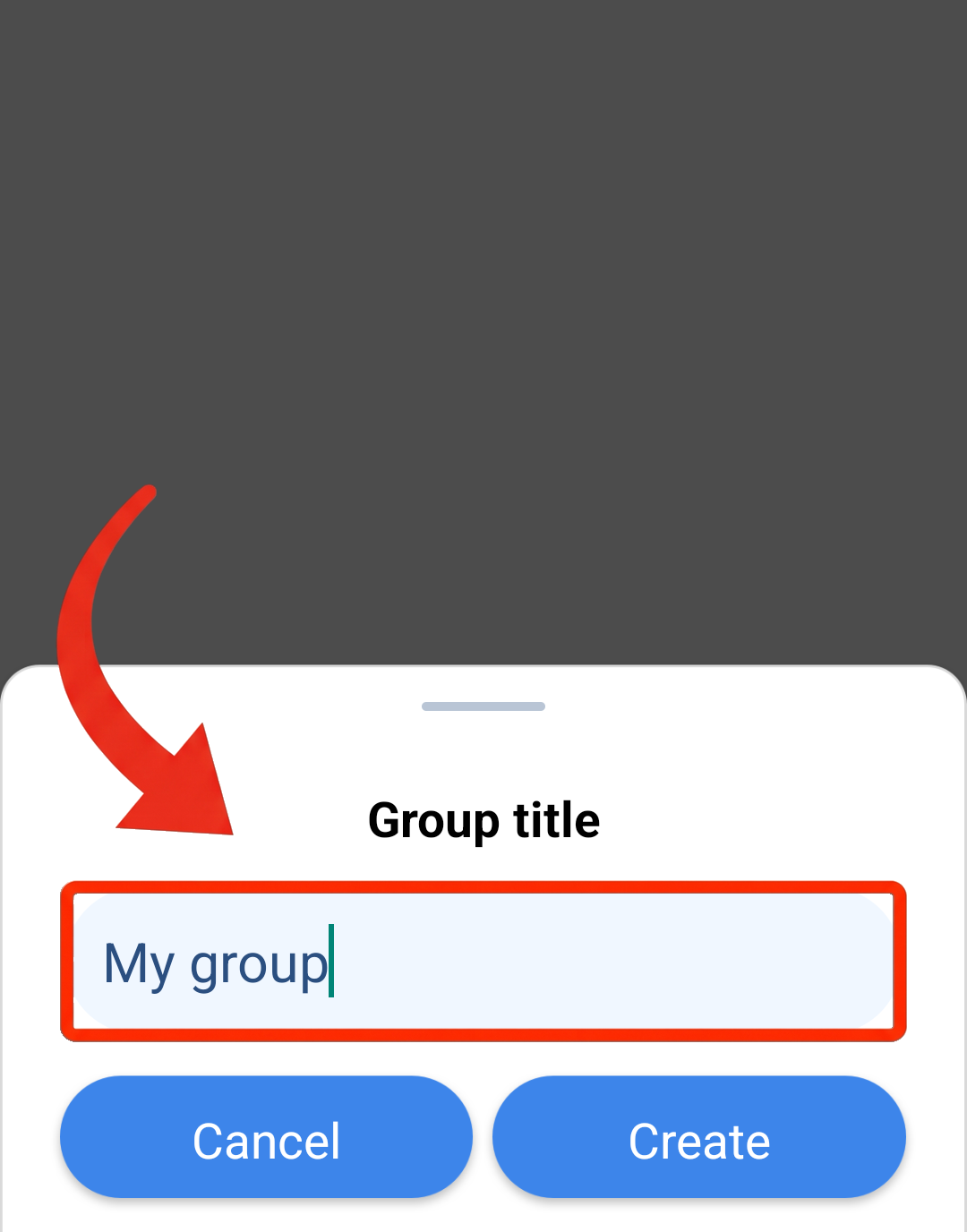
5. Tap the "Create" button. 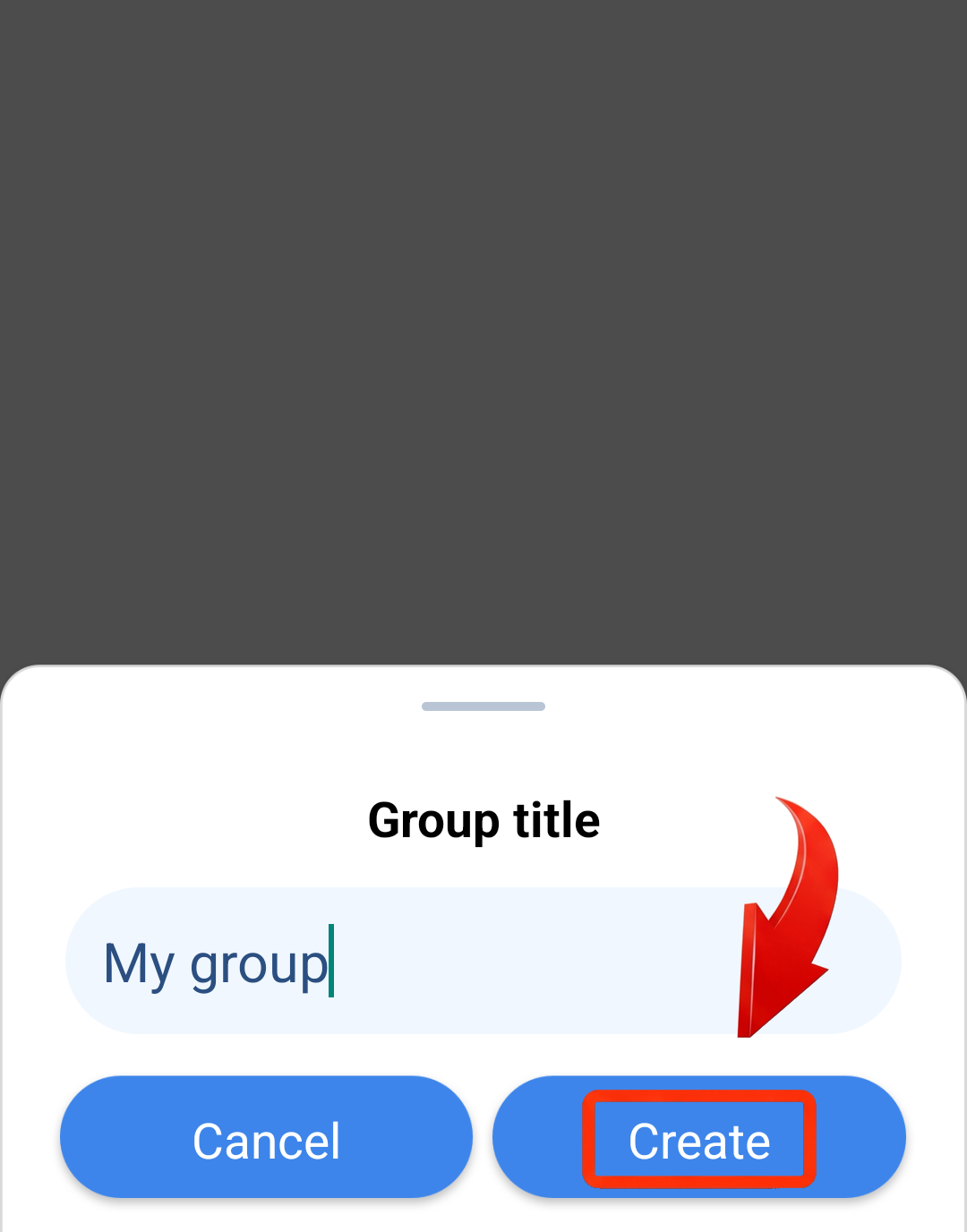
Note: The Favourites feature requires a signed-in account and Premium access for the current course, and is available only on Android devices.
You can also watch our video tutorial on how to create a favorite group here.
How do I subscribe?
How do I share a favorite group? (Android only)
How do I delete a favorite group? (Android only)