Once the word or sentence you are looking for is found:
1. Tap on it.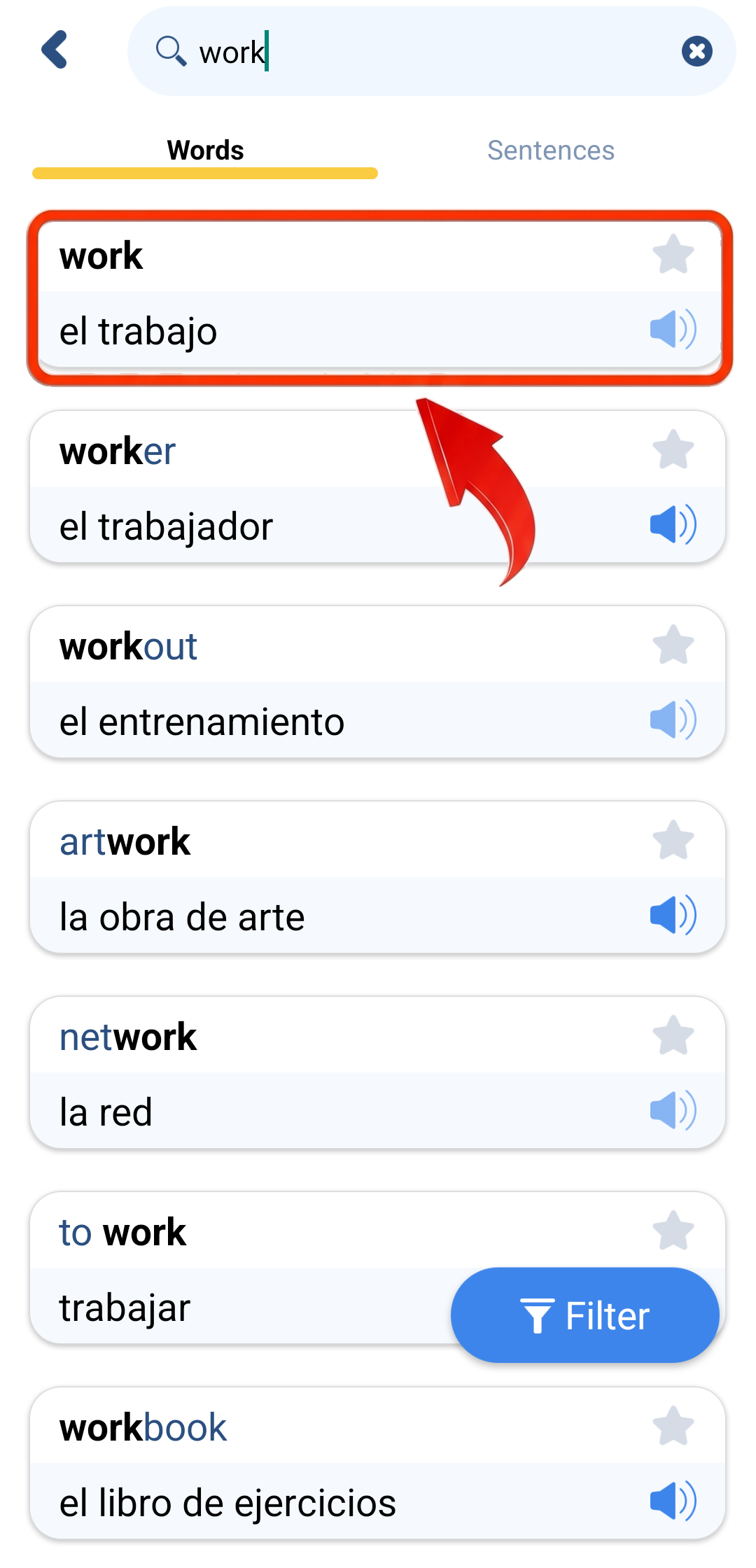
2. Now you can see the available details about this word or sentence and the Search features.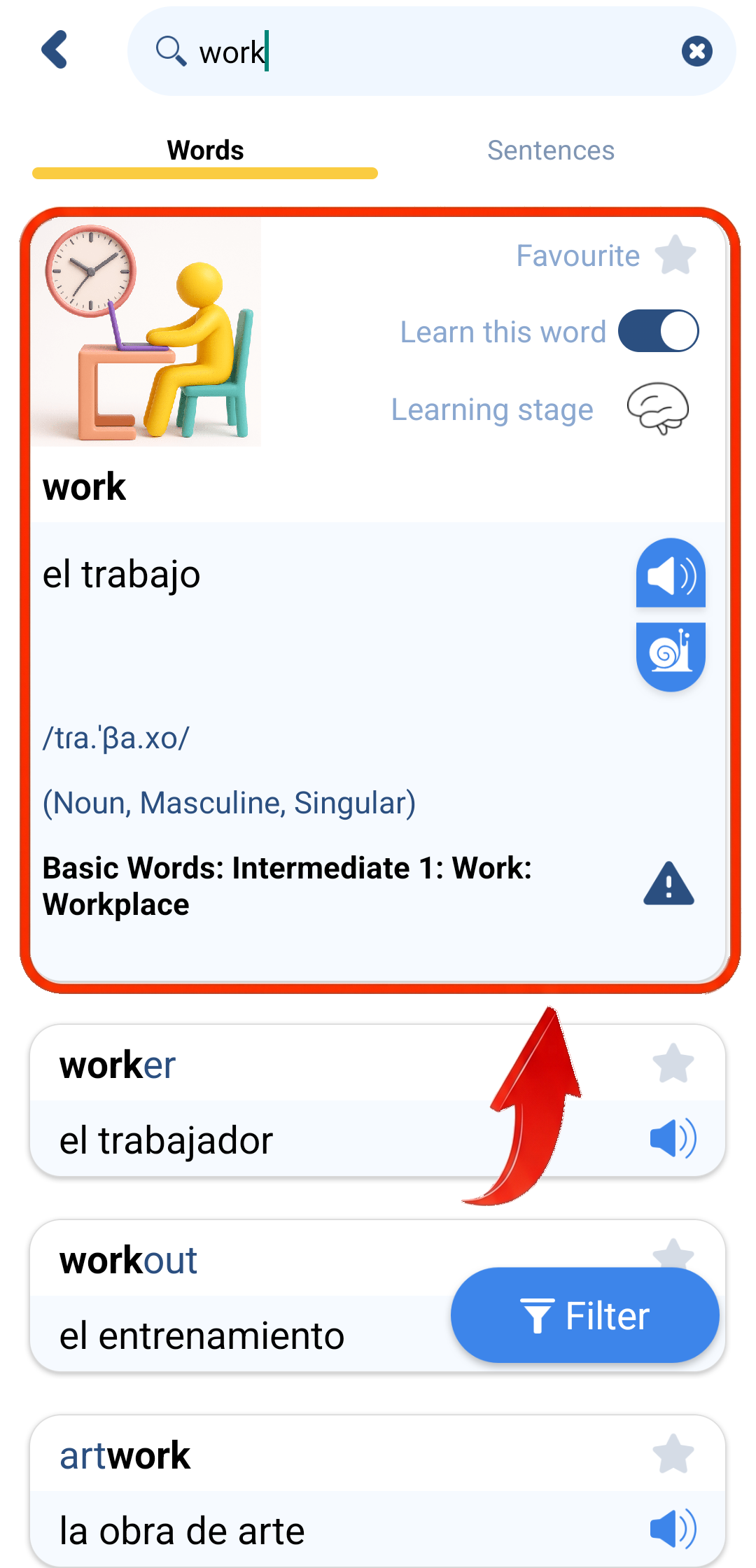
Details:
1. The illustration, if downloaded
2. The word or sentence in your native language
3. The word or sentence in the learned language
4. The transcription or transliteration
5. The word characteristics: part of speech, gender, number
6. The group, level, topic and subtopic this word or sentence can be found in
7. Pronunciation buttons (normal and slow; audio must be downloaded).
Features:
1. "Favourite" - you can add this word or sentence to your list of Favourites in order to learn only what you choose. You can also share your list of Favourites with friends, family members, students, etc.
2. "Learn this word" or "Learn this sentence" - you can include or exclude this word or sentence from the learning process, along with learning games.
3. "Learning stage" - you can see the current learning stage of a word or sentence. Tap the icon to see the explanation of the learning stages.
4. Report mistake icon - you can report a mistake regarding this word or sentence and its details.
Note: You will be able to use the Search engine of our app only in case you have a Subscription (Premium Subscription or Free Subscription).
How do I subscribe?
How do I find a word or sentence?
How do I use the Search filter?