If you decide to delete your account, you have to:
1. Go to the "More" tab.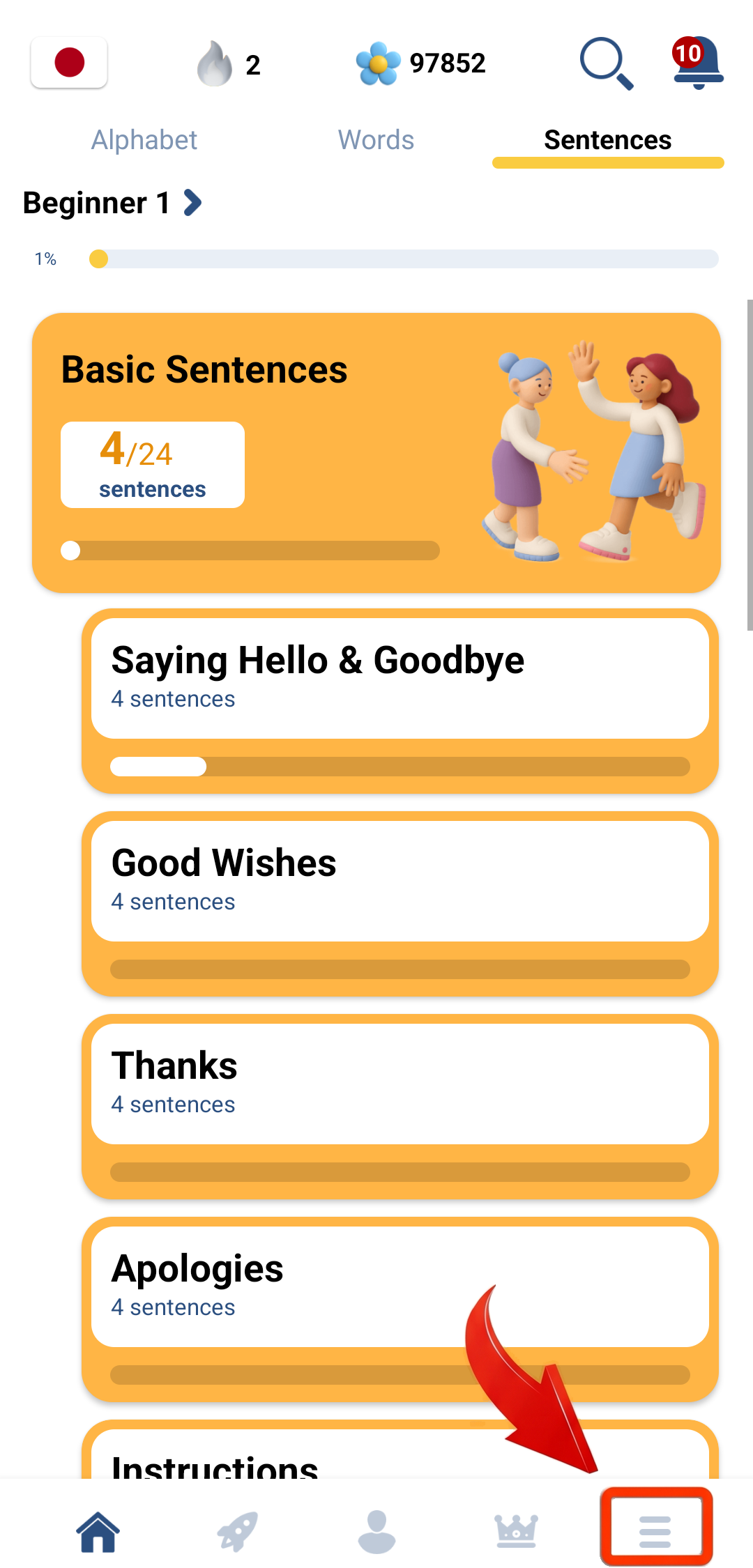
2. Scroll down and tap on the "Delete account" menu option.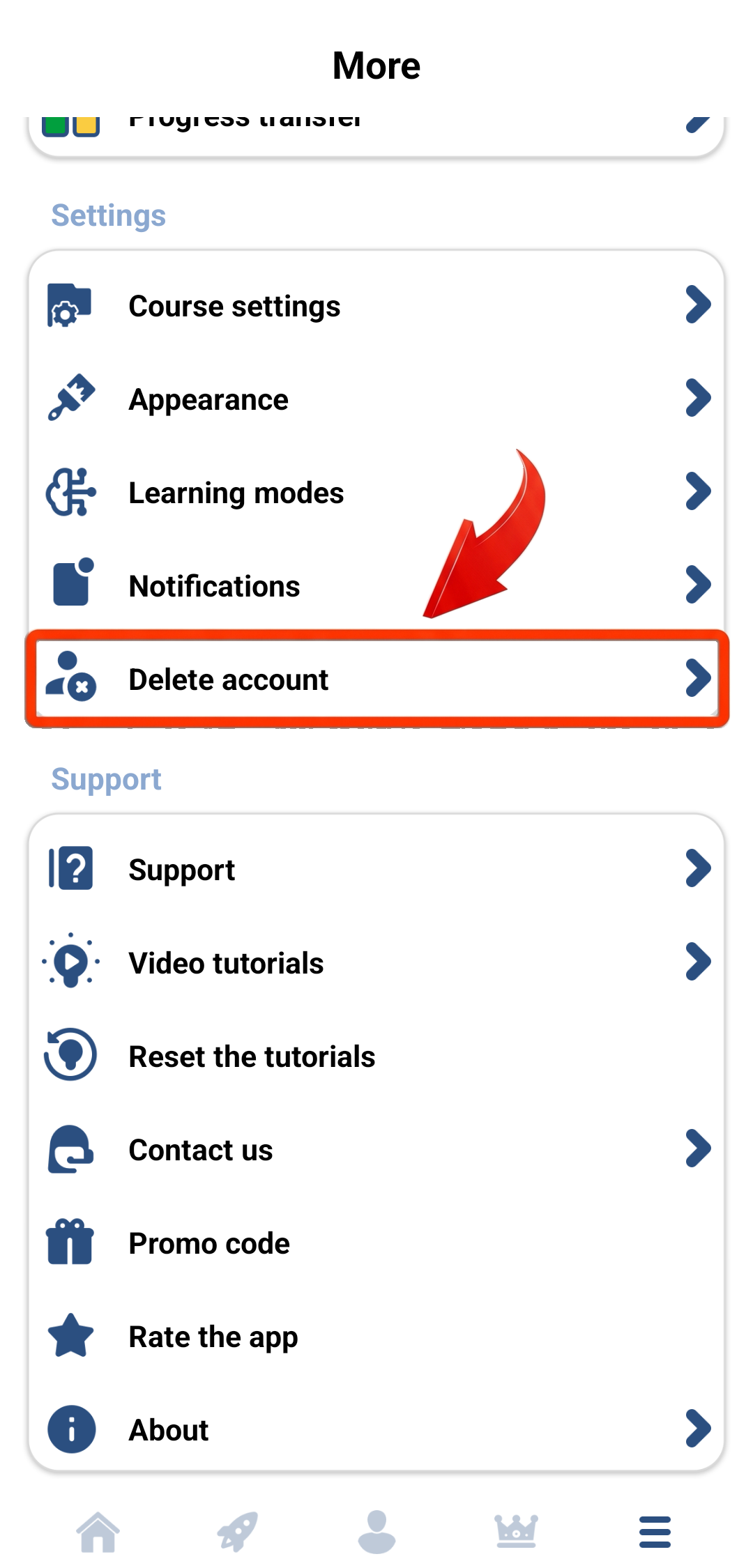
3. Read the warning and tap the "Delete" button.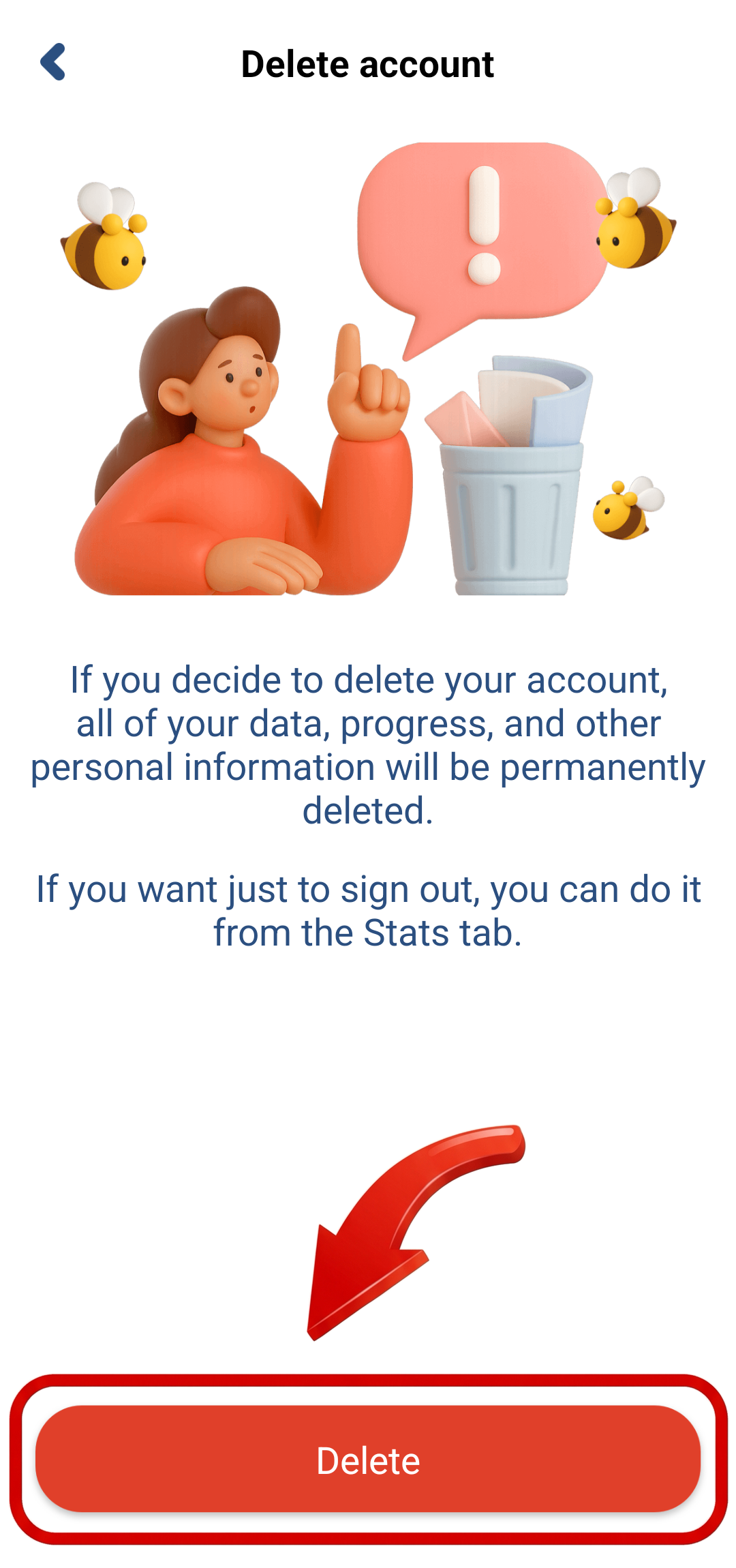
4. Tap "Continue" in the "Continue deletion" dialog. You will be signed out and asked to sign in again.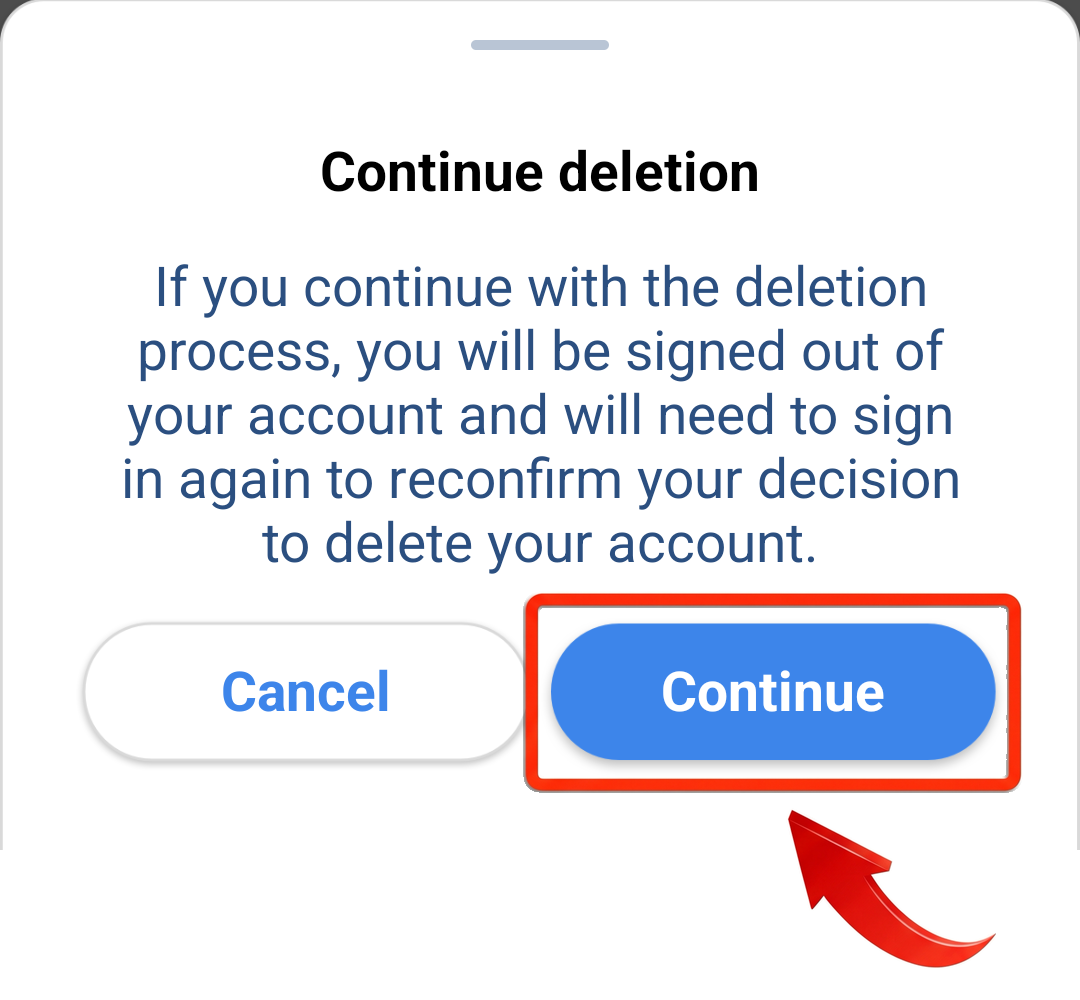
5. Sign in again to the same account.
6. Tap "Delete" in the "Complete deletion" confirmation dialog to delete your account.
Note: If you delete your account, you will delete all the data, progress, and other personal info. You can delete your account only if you are a registered user and are signed in. If you want just to sign out, go to the "You" tab, open "Profile", and tap "Sign out".